My cycle
Keep estimates separate from what you actually record.
- Period and symptom journal
- Calendar and cycle summary
- Your own observations and notes
Follow your cycle, pregnancy week and baby’s daily routines in one app. Yuvilya is designed to help you keep a clearer view of your own records.
Preparing for Android. Coming to Google Play.


Four trackers, one appMove between different chapters.
A journal of your ownKeep records and notes together.
You control your choicesAccounts and sync are optional.
You do not have to fit into one chapter. Choose the tools you need and keep daily records, history and notes in the same place.
Keep estimates separate from what you actually record.
An organised space for your weeks and preparations.
Follow your changing days through small daily records.
Keep clear records of contraction starts and durations.
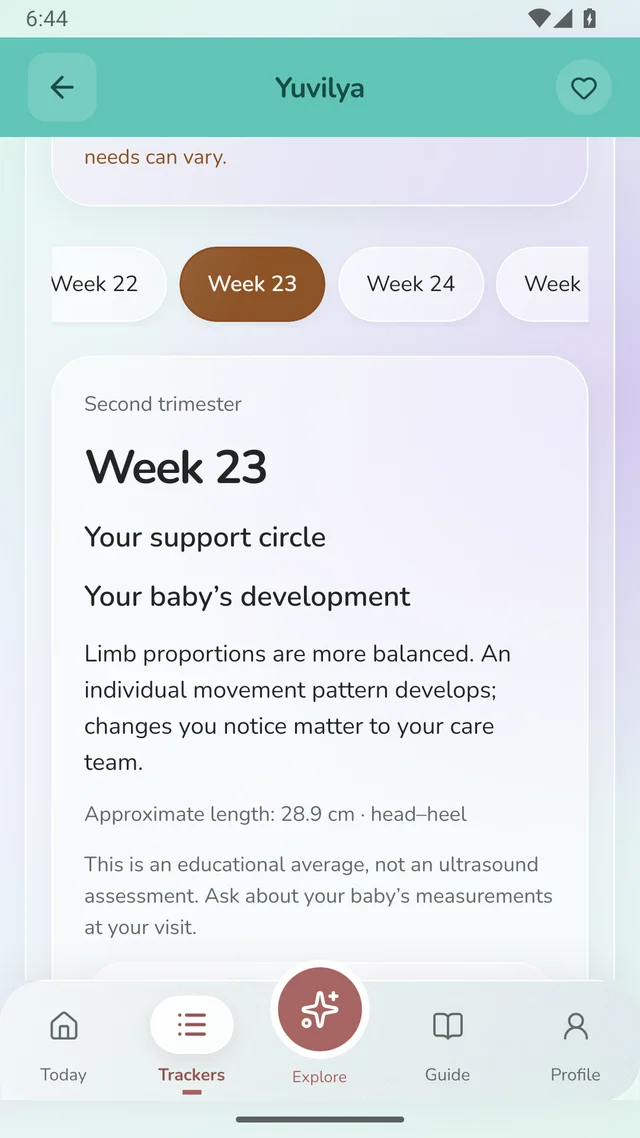
Information, preparations and personal notes.
Weekly information alone cannot tell your story. In Yuvilya, keep it alongside your own notes, appointments and preparations.
Review the dates you use for tracking and information for your week together.
Write down questions and organise your own appointment and preparation records.
Return to your history. Your records can help you prepare for a conversation with your care team.
Every sleep, feed and day can be different. Keep records of your baby’s routines and review the history in one place, remembering that a missing record does not describe the whole day.
Record start times, durations and feeds in your own routine.
Review height and weight records, daily observations and age-based content.
Link each baby’s records to their own profile and keep their journals separate.
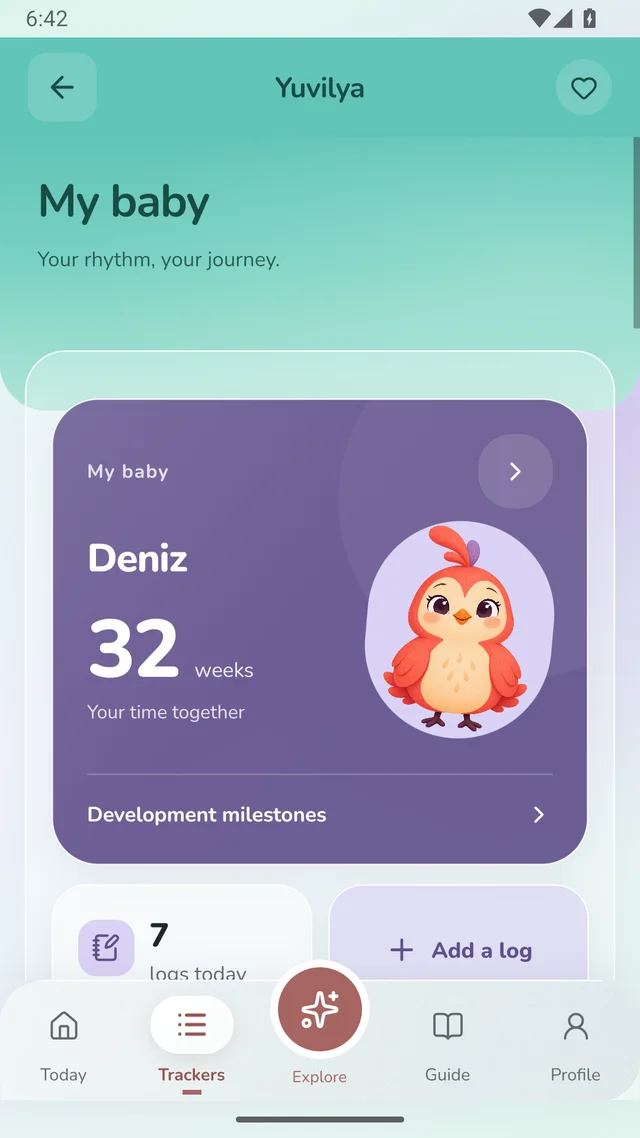

You do not need perfect records. Start with the information that matters to you.
Cycle, pregnancy, baby or contractions. Choosing one does not close the others.
A start time, a feed, a measurement or a short note. Keep records in a way that works for you.
Review calendars, previous records and summaries. Use available reports to prepare for a healthcare visit.
A sleep record, a recipe or a cycle calendar. Choose a screen and take a look inside Yuvilya.
See information for your week alongside your notes and preparations. Keep what matters for appointments in your own journal.
Real Yuvilya screens. The names and records shown are illustrative examples.
Core trackers work on your device. Creating an account and syncing eligible records are separate choices.
Our privacy approachUse local trackers without registering. You can choose to create an account later.
Optional sync is available for eligible pregnancy and baby records. Cycle, contraction-timer and your own voice records are excluded.
Keep short voice recordings on your device. They are not sent through account sync.
Explore topics from pregnancy weeks to first meals through clear reads with visible sources.
All guidesHow pregnancy dating works, why an estimated due date may change and how to make a weekly guide useful.
Read the guideA gap in a chart is not proof of wakefulness. Use sleep records without labelling your baby or overreading the numbers.
Read the guidePractical ideas for short games, back-and-forth conversation and safe exploration within everyday routines.
Read the guidePlan early solid-food experiences with readiness signs, safer preparation, allergens and practical meal notes.
Read the guideAn actual start date and an estimated date are different. Here is how to interpret calendar colours and a delay.
Read the guideSeparate essentials from extras, ask what the hospital provides and share a practical last-minute plan.
Read the guideShort answers about use, records and privacy. You can contact us if you have another question.
Support and contactThe Android app is being prepared for Google Play. “Coming soon” links do not currently start a store download.
No. Core trackers can be used on your device. Creating an account and syncing eligible records are separate, optional actions.
With explicit consent, eligible pregnancy and baby records can be synced. Cycle, contraction-timer and your own voice records are excluded.
Core local records work on your device. Account actions, optional sync and refreshing server-delivered content need a connection.
Yuvilya is for personal tracking and general information. It does not provide diagnosis, treatment or emergency assessment. Your healthcare team’s advice always comes first.
Manage on-device records in the app’s data management area. To delete your server-side account, sign in on the secure account-deletion page and give a separate confirmation.
The Android app is being prepared for Google Play. Meanwhile, explore our guides or contact us with your questions.